Tools
Tools for SciSpinner data
Browser-based tools for SciSpinner setup and data analysis. Processing happens locally on your computer, so files are not uploaded. Each tool can also be saved and used offline.
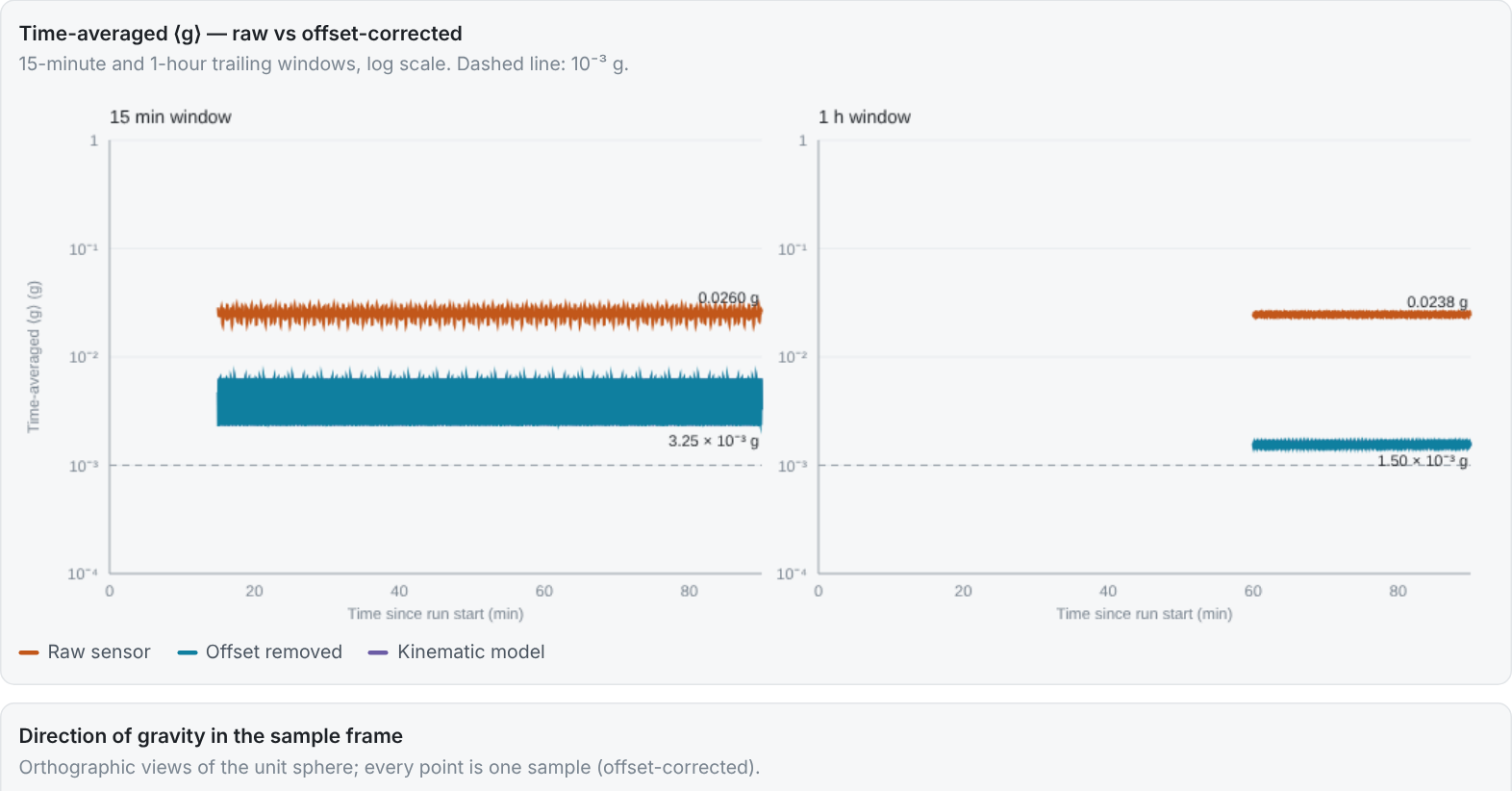
g-level analysis
Drop in a run’s imu.csv file to calculate the sensor’s zero-g offset by sphere fit, offset-corrected time-averaged ⟨g⟩ over 15-minute and 1-hour windows, sphere coverage and a comparison with the kinematic model. Export a PDF report, JSON results and corrected per-second CSV.
Open the tool →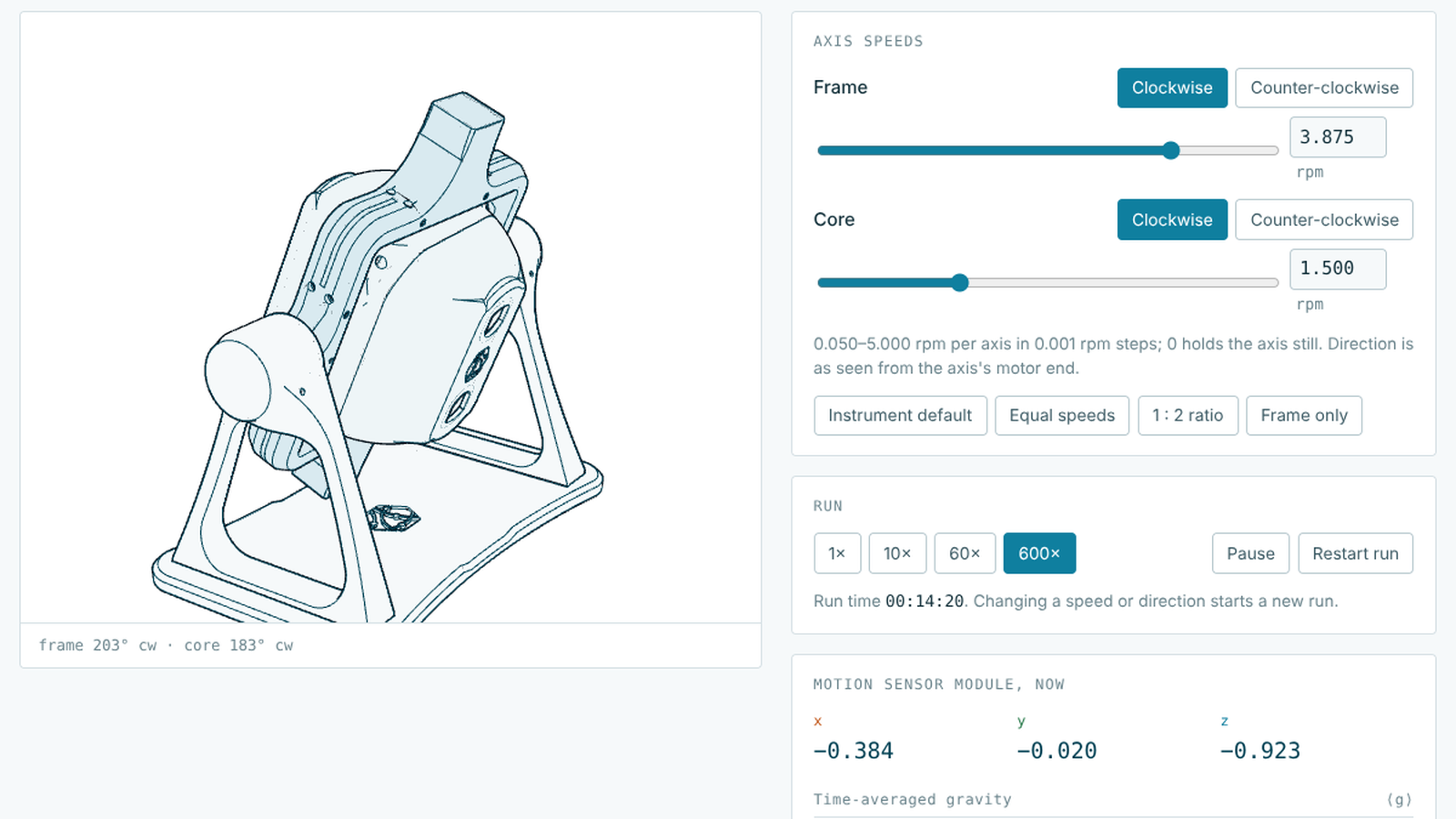
Clinostat simulator
Set the frame and core speeds and directions and watch the instrument turn in 3D. The simulator shows the reading a motion sensor module in the core would produce, along with time-averaged ⟨g⟩ over 2-minute, 15-minute and 1-hour windows and sphere coverage. Use it to compare speed combinations before a run.
Open the simulator →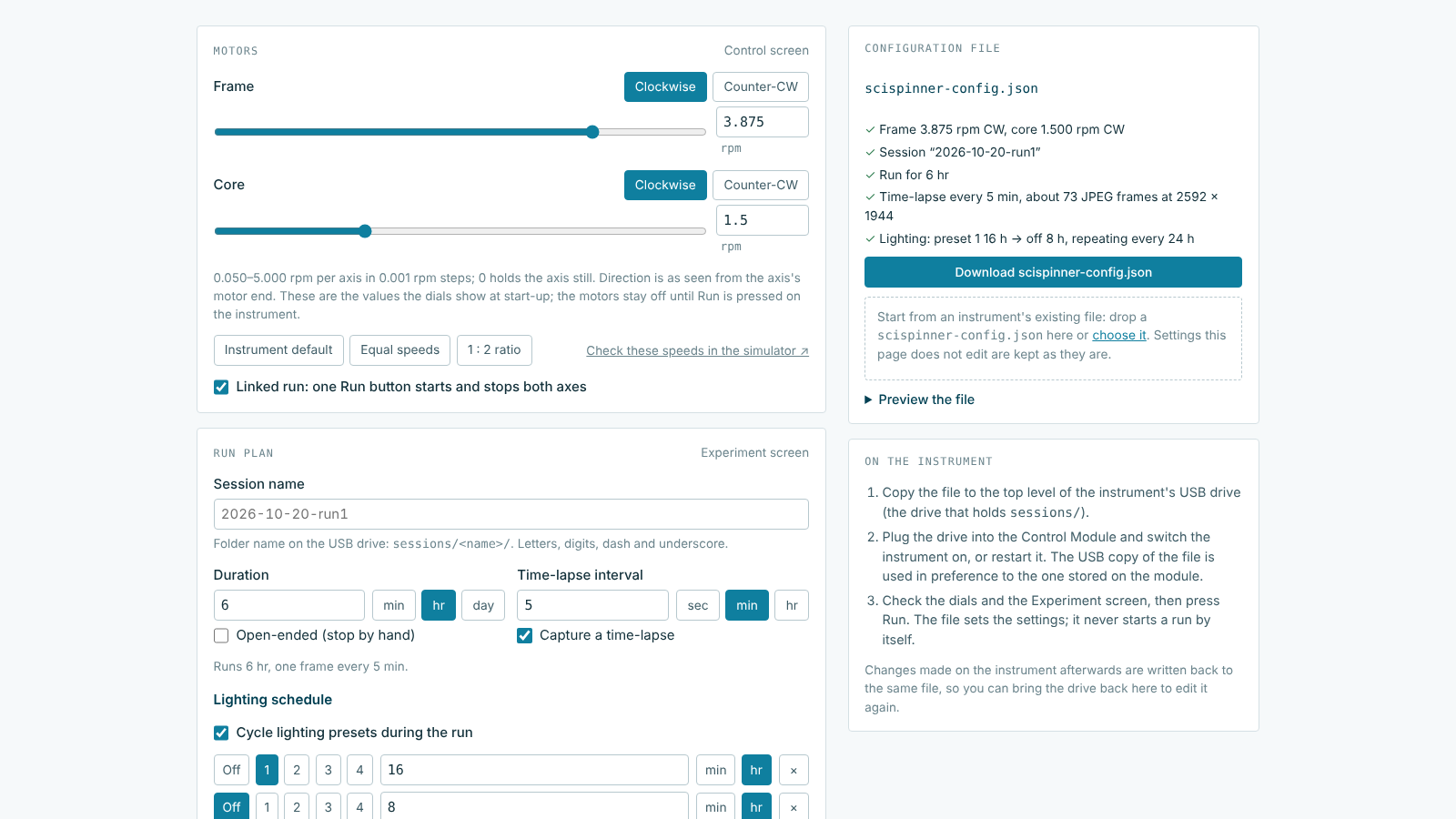
Run setup
Prepare an instrument from your computer: set the motor speeds and directions, run plan and time-lapse, four lighting presets, camera settings and display settings, then download scispinner-config.json for the instrument’s USB drive. An existing configuration file can also be loaded and edited.
Open run setup →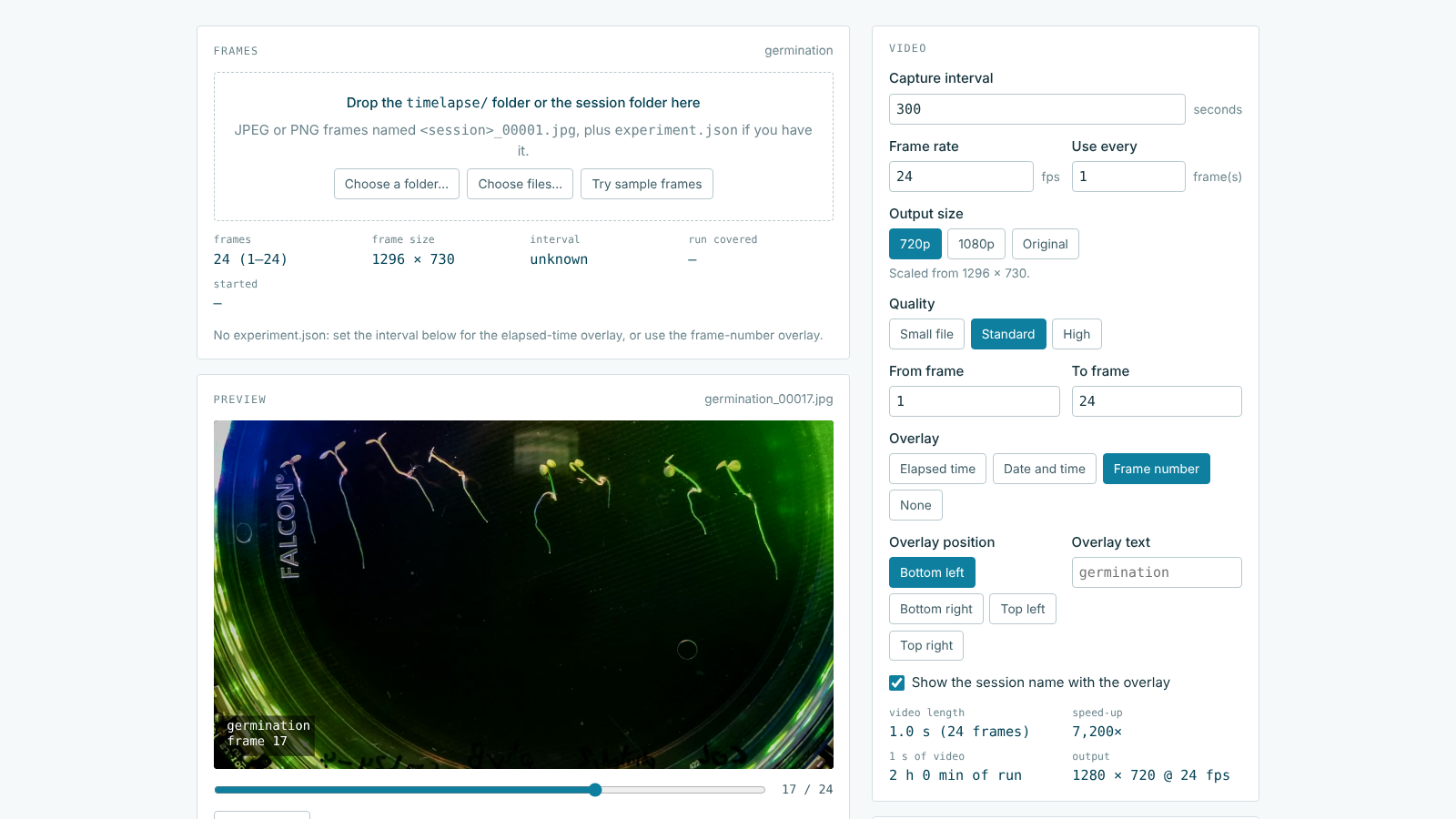
Time-lapse to video
Drop in a run’s timelapse/ folder to create an MP4 with an elapsed-time or date overlay at the frame rate and size you choose. The interval and start time are read from the run’s experiment.json. Encoding runs in your browser.
Open the tool →Further tools
We are developing additional tools. Suggestions are welcome at [email protected].